Is the Free Version of Wordfence Enough for Your Business Website? (Honest Answer)
Running Wordfence free on your WordPress site? Here's exactly what it covers, what it misses, and when it stops being enough for a business website.
The honest, no-affiliate answer for small business owners who want security without complexity — or costly surprises.
By Sheikh Hassaan — WordPress developer for service businesses
Quick Answer
For most small business websites not processing payments or storing sensitive customer data, the free version of Wordfence is enough — provided it is properly configured. The main limitation is a 30-day delay on firewall rules compared to premium. For low-traffic service sites on good hosting, this gap rarely causes real exposure. Configuration matters far more than the plan tier.
Why This Question Actually Matters for Your Business
Wordfence is the most installed security plugin in the WordPress ecosystem, with over five million active installs. The vast majority of those are running the free version — including on business websites that handle lead generation, booking, and direct client communication.
The problem isn't that people chose the free version. The problem is that most of them installed it, left the settings at default, and assumed their site was protected. It's not — at least not fully. A plugin with poor configuration is only marginally better than no plugin at all.
For a service business, what's actually at risk when security fails isn't just a technical headache. It's:
- Leads landing on a page that redirects to a spam site
- Google flagging your domain as unsafe — which kills organic traffic immediately
- Client data exposed if you store inquiry forms or booking information
- Hosting suspension while your provider investigates the breach
- Days of downtime while the site gets cleaned or rebuilt
None of that is hypothetical. It's a regular occurrence on poorly configured WordPress sites. The question is whether the free version, when set up correctly, prevents these outcomes — and for most service businesses, the honest answer is yes.
What Wordfence Free Actually Does (No Marketing Spin)

Before comparing free to premium, it helps to understand what you actually get with the free version and what each component is doing for your site.
The Firewall
Wordfence includes a Web Application Firewall (WAF) in the free version. It sits between incoming traffic and your WordPress installation, blocking known malicious requests before they reach your site.
The important caveat: free users receive firewall rule updates with a 30-day delay. That means if Wordfence identifies a new threat pattern today, premium users are protected immediately, while free users wait a month for the same protection.
In practice, this delay is meaningful for high-profile or heavily targeted sites. For a typical service business site getting a few hundred visits per month, the exposure window is real but limited — automated bots are cycling through targets constantly, and a site that doesn't get hit in that 30-day window is usually fine.
Pro Insight:
The firewall starts in Learning Mode when first installed. It observes your traffic for a week before enforcing rules. Most people don't realize this and assume they're protected from day one. Always check the firewall status in the Wordfence dashboard after installation.
The Malware Scanner
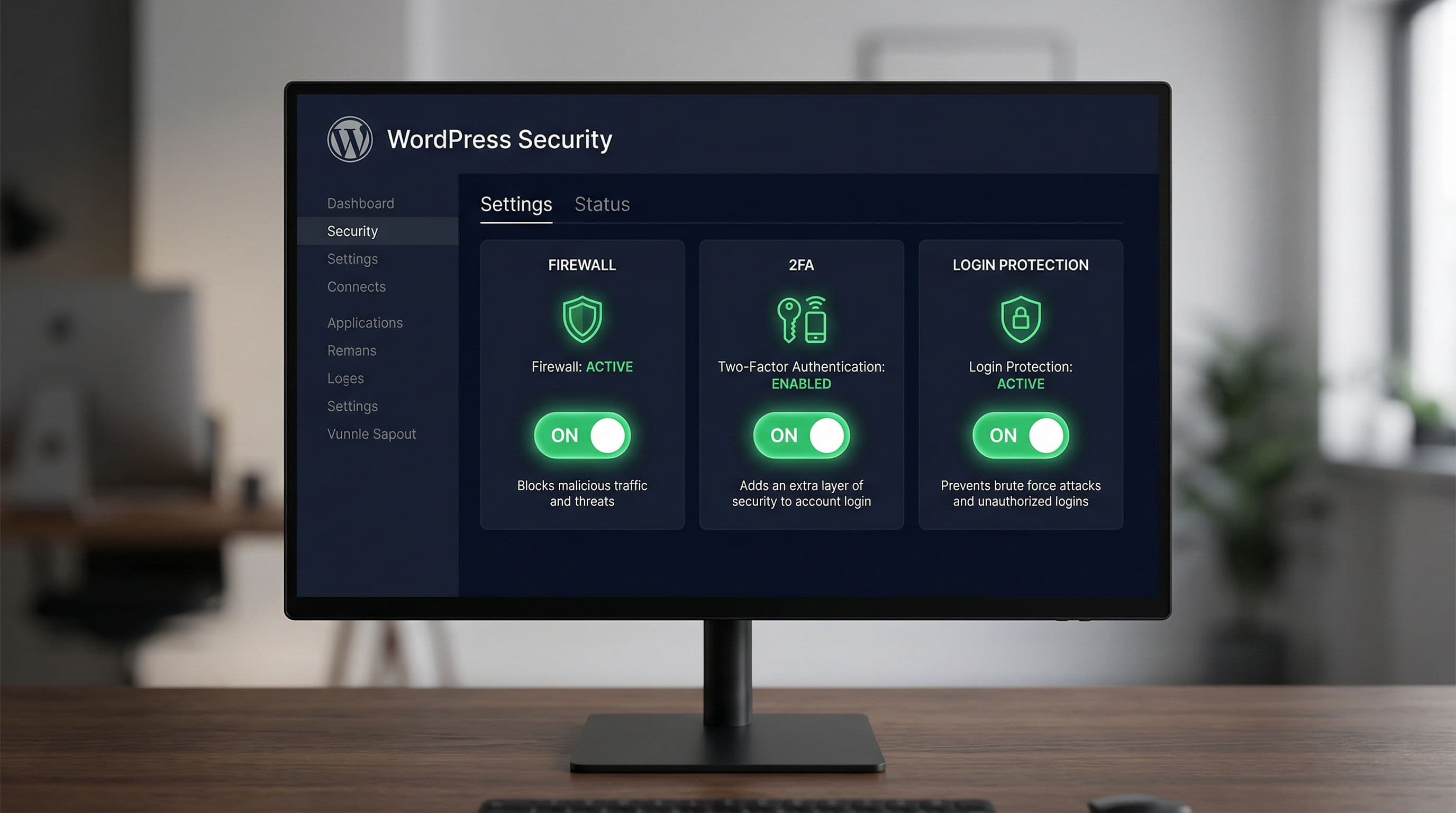
The free scanner checks your WordPress files against known malware signatures. It compares your core files to the official WordPress repository, flags modified files, and identifies common infection patterns.
The limitation: free users get community-sourced signatures, not real-time updates. Premium gets hourly signature updates. For a site that isn't actively infected, this distinction doesn't matter much. The scanner will still catch the vast majority of known infections.
What the scanner can't do — free or premium — is prevent an infection before it happens. It finds problems after they occur. This is why the firewall matters more than the scanner for protection, and why configuration quality determines both.
Pro Insight:
Schedule your scans — don't leave them as manual. In the free version, scans don't run automatically unless you set up a schedule via the Wordfence settings.
Login Protection and 2FA

Both free and premium versions include brute force protection — limiting login attempts, locking out failed logins, and alerting you when threshold limits are hit. Two-factor authentication for admin accounts is also available in the free version.
This is, practically speaking, the most impactful feature in the entire plugin for a business website. The majority of WordPress breaches happen through the login page, not through sophisticated firewall bypasses. Enabling 2FA and setting login limits eliminates the most common attack vector regardless of which version you're running.
Pro Insight:
On every client site, enabling 2FA on the admin account is the first thing I do after installation. It takes five minutes and eliminates the most common breach method: credential stuffing. This feature is fully available in the free version.
Alerts and Monitoring
Wordfence free sends email alerts for failed logins, blocked attacks, detected malware, and plugin changes. You can configure the sensitivity and frequency in the Email Alert Preferences section.
The alerts work well — but only if you configure them. Default settings tend to over-notify or under-notify depending on your traffic. Set the alert threshold to something you'll actually pay attention to. An inbox flooded with low-priority alerts is an inbox people stop reading.
Free vs. Premium: The Actual Difference (Side-by-Side)
Here's what the two versions actually offer, without the marketing language:
| Feature | Free Version | Premium Version |
|---|---|---|
| Web Application Firewall | Yes (30-day delayed rules) | Yes (real-time rules) |
| Malware Scanner | Yes (community signatures) | Yes (real-time signatures) |
| Login Protection / 2FA | Yes | Yes |
| Brute Force Protection | Yes | Yes |
| Real-Time IP Blocklist | No | Yes |
| Country Blocking | No | Yes |
| Scheduled Scans | Manual trigger only | Automated scheduling |
| Scheduled Scans | No | Yes |
| Cost | Free | $119/year per site |
The bottom line: for most service business websites, the meaningful differences are the real-time firewall rules and the real-time IP blocklist. Everything else — 2FA, login protection, scanning, alerts — is available in the free version.
When the Free Version Is Enough
The free version of Wordfence is sufficient for your business website when:
- You're running a service business site — portfolio, booking, lead generation — that doesn't process payments directly
- Your site is on managed or semi-managed WordPress hosting with server-level security included
- You've properly configured login protection, 2FA, and firewall settings (not left at defaults)
- You have a reliable backup system running independently of Wordfence
- Your site doesn't store sensitive customer data beyond standard contact form submissions
In these conditions, the 30-day delay on firewall rules rarely creates real risk. Automated bots attack millions of sites — a properly hardened login page and an active firewall stop the vast majority of threats before the signature gap ever matters.
When the Free Version Is Not Enough
There are specific situations where upgrading to Wordfence Premium — or switching to a dedicated service like Sucuri — is the right call:
- You're running WooCommerce or any kind of ecommerce where payment data flows through your site
- You handle sensitive client information: legal, medical, financial, HR
- Your site has been previously compromised — a post-hack site needs the real-time ruleset immediately
- You're operating in a high-competition niche where a competitor might deliberately target your site
- Your site runs multiple admin users with varying levels of technical care
For these cases, the $119/year cost of Wordfence Premium per site is worth it. Real-time firewall rules and the IP blocklist provide a measurably tighter security window. For high-value business operations, that margin matters.
If your business falls into the last two categories — multiple compromises or high-value target — Sucuri's Website Firewall (a separate product from their free scanner) provides CDN-level protection that Wordfence, free or premium, doesn't match.
The Real Problem Most Business Owners Miss
The free vs. premium question is usually the wrong question. The real question is whether the security setup was done properly.
Many WordPress sites run Wordfence Premium and still get compromised because the firewall stays in learning mode, login attempt limits are never configured, and 2FA isn’t enforced for admin accounts.
At the same time, there are sites running the free version for years without a single incident simply because the initial configuration was handled correctly from day one.
The plugin tier is secondary. Configuration and hosting quality are the primary factors.
A properly configured free plugin on a reliable managed host will consistently outperform a premium plugin left on default settings on cheap shared hosting.
Common Mistakes That Undermine Wordfence Free
Leaving the Firewall in Extended Protection Mode Without Optimizing
Wordfence's firewall runs in "Basic WordPress Protection" mode by default. For full effectiveness, it needs to be moved to "Extended Protection" mode — which requires a small change to the wp-config.php file. The plugin walks you through it, but most people click past it. This alone reduces the firewall's effectiveness significantly.
Never Running a Manual Scan After Installation
The scanner doesn't run automatically in the free version until you schedule it. Installing Wordfence on a site that's already been compromised and never running a scan means you're protecting an already-infected site. The first thing to do after installation is run a full scan.
Ignoring the Email Alerts
If you configure the alerts and then start ignoring them because there are too many, you've created a false sense of coverage. You're technically monitoring — but not actually watching. Tune the alert thresholds to a level you'll respond to.
Skipping 2FA Because It Seems Inconvenient
This is the one that actually costs businesses. Two-factor authentication is the single highest-impact security step available in Wordfence's free version. The few seconds it adds to each login is a reasonable trade for the protection it provides. It's free. It's effective. There's no valid reason to skip it.
Not Updating Wordfence Itself
Wordfence is a plugin. It has vulnerabilities like any other plugin. Running an outdated version of a security plugin is a particular irony that shows up more often than it should. Enable auto-updates for Wordfence specifically — it's one of the few plugins where auto-updates carry almost no risk of breaking site functionality.
The Recommended Security Setup for Small Business WordPress Sites
This is the standard security configuration that works reliably for service business websites on managed hosting:
Hosting Foundation
Managed WordPress hosting — typically WP Engine, SiteGround Business, or Kinsta. Server-level WAF and DDoS protection, daily backups included, isolated hosting environments. This is the layer that makes the plugin-level security lighter work.
Plugin Choice
Use Wordfence Free on managed hosting where the host already handles the heavy firewall work. The plugin covers login protection, 2FA, file monitoring, and alerts. On shared hosting, use Wordfence Free with full configuration — including Extended Protection firewall mode and scheduled weekly scans.
Configuration Checklist
- Firewall moved from Basic to Extended Protection mode
- Login attempts limited to 3 failures before 30-minute lockout
- 2FA enabled on all admin accounts
- Login URL changed from /wp-admin to a custom path
- Email alerts tuned to notify on lockouts and scan completions only
- Weekly automated scans scheduled
- XML-RPC disabled unless specifically required
Backup Layer
UpdraftPlus free configured for daily backups with Google Drive storage. This is independent of Wordfence. Security prevents breaches — backups recover from them when prevention fails.
Monitoring
UptimeRobot free tier for uptime monitoring with SMS alerts if a site goes down. Takes five minutes to set up and means issues are caught within two minutes of occurring.
Total setup time: 45–60 minutes. Total additional ongoing cost beyond hosting: zero. That's the setup that protects real client sites.
Don't Have Time to Deal With This?
Security configuration isn't complicated — but it does require focus, a correct sequence, and knowing what you're looking at.
The $449 WordPress Website Package is for service business owners who want a professionally built, properly secured WordPress site without spending hours on tutorials or hoping the default settings are good enough.
What's included:
A complete WordPress website built, with Wordfence configured correctly from day one — Extended Protection firewall mode, 2FA on all admin accounts, login hardening, scheduled scans, backup system, and uptime monitoring. Everything tested before your site goes live.
You won't receive a login and a list of tutorials. You get a site that's ready to work — secure, fast, and requiring minimal ongoing maintenance on your end.
One fixed price. No agency overhead. No ongoing retainer required.
About the Author
Sheikh Hassaan — Website Developer for Small - Medium Businesses
I help service businesses launch fast, secure, conversion-focused websites without the agency price tag. I've built sites for directors, consultants, local service providers, and founders who need something professional.
Related Article
The Best WordPress Security Plugin for Small Business Websites (2026 Honest Comparison)
Frequently Asked Questions
Does Wordfence free actually protect against hackers?
Yes — it provides meaningful protection when correctly configured. The firewall blocks known attack patterns, login protection prevents brute force attempts, and the scanner identifies known malware. The key phrase is correctly configured. Default settings leave significant gaps. A properly set-up free version of Wordfence on solid hosting protects against the attacks that hit the vast majority of business websites.
What does Wordfence free not include compared to premium?
The main differences are: real-time firewall rules (free has a 30-day delay), real-time IP reputation blocklist, country blocking, and automated scan scheduling. For most small business service sites, the real-time firewall rules are the meaningful gap. Everything else — 2FA, brute force protection, malware scanning, login limits — is available in the free version.
Can I use Wordfence free on a WooCommerce site?
You can, but it's not the ideal setup for an active ecommerce site processing payments. For WooCommerce, Wordfence Premium or Sucuri's website firewall provides a tighter protection window. The 30-day rule delay is more meaningful when transactions are at stake and the site is a higher-value target. For a simple product catalogue without payment processing on-site, the free version is fine.
Is Wordfence free better than other free security plugins?
Wordfence is the most feature-complete free WordPress security plugin available. Its closest comparison in the free tier is Solid Security (formerly iThemes Security). Solid Security is a better choice on managed hosting where you want lighter hardening without a full firewall suite. Wordfence is better for shared hosting where you need the full protection stack. Neither is inherently superior — the right choice depends on your hosting environment.
How long does it take to properly configure Wordfence free?
If you follow a clear setup sequence, 20–30 minutes for a new site. That includes moving to Extended Protection firewall mode, setting login limits, enabling 2FA, scheduling scans, and tuning email alerts. Most people either rush through it in five minutes (missing critical settings) or get overwhelmed and leave it at defaults. Neither approach is adequate.
Does having Wordfence installed slow down my website?
It can, particularly on shared hosting where server resources are limited. The firewall adds a small processing overhead on every page request. The scanner uses significant CPU when running — which is why you should schedule it during off-peak hours. On managed WordPress hosting with dedicated resources, the performance impact of Wordfence is negligible. On budget shared hosting, the drag can be noticeable and may require switching to a lighter security plugin.