How to Set Up WordPress for a Luxury Real Estate Website (2026 Step-by-Step Guide)
Set up WordPress for a luxury real estate website the right way. Step-by-step guide for non-technical agents covering speed, IDX, and lead capture.
The Configuration Guide That Covers What Most Tutorials Skip Completely
By Sheikh Hassaan - Website developer for service businesses
Quick Answer
To set up WordPress for a luxury real estate website, install WordPress on a fast host, configure a lightweight theme, set up SSL and security plugins, install an IDX plugin for property listings, optimize image delivery for large property galleries, and connect lead capture forms to your CRM or WhatsApp. Each step has real estate-specific requirements that generic WordPress tutorials do not cover.
Why Most WordPress Real Estate Setups Fail Before They Launch
The tutorials are not wrong. They just stop at the wrong place. Most WordPress setup guides cover installation, theme activation, and a few plugins. That is fine for a blog or a local service business. A luxury real estate website is a different problem.
Property galleries are image-heavy. A single listing page can have 30 to 40 high-resolution photos. Without the right configuration, those images will load slowly on mobile and kill your bounce rate before a buyer reaches the floor plan.
Lead capture forms on real estate sites collect personal and financial information. Without SSL configured correctly and a security layer in place, browsers flag your site as insecure. High-net-worth buyers do not fill in forms on sites their browser is warning them about.
IDX integration, the feed that pulls live property listings from your MLS, requires specific plugin configuration and ongoing database management. Installed incorrectly, it creates hundreds of duplicate pages that dilute your search rankings rather than build them.
The result of skipping these steps: a site that looks reasonable on a desktop preview but loses buyers on mobile, generates zero organic search traffic, and collects no leads.
The WordPress Real Estate Setup: Step by Step
Step 1: Choose a Host Built for Performance, Not Price
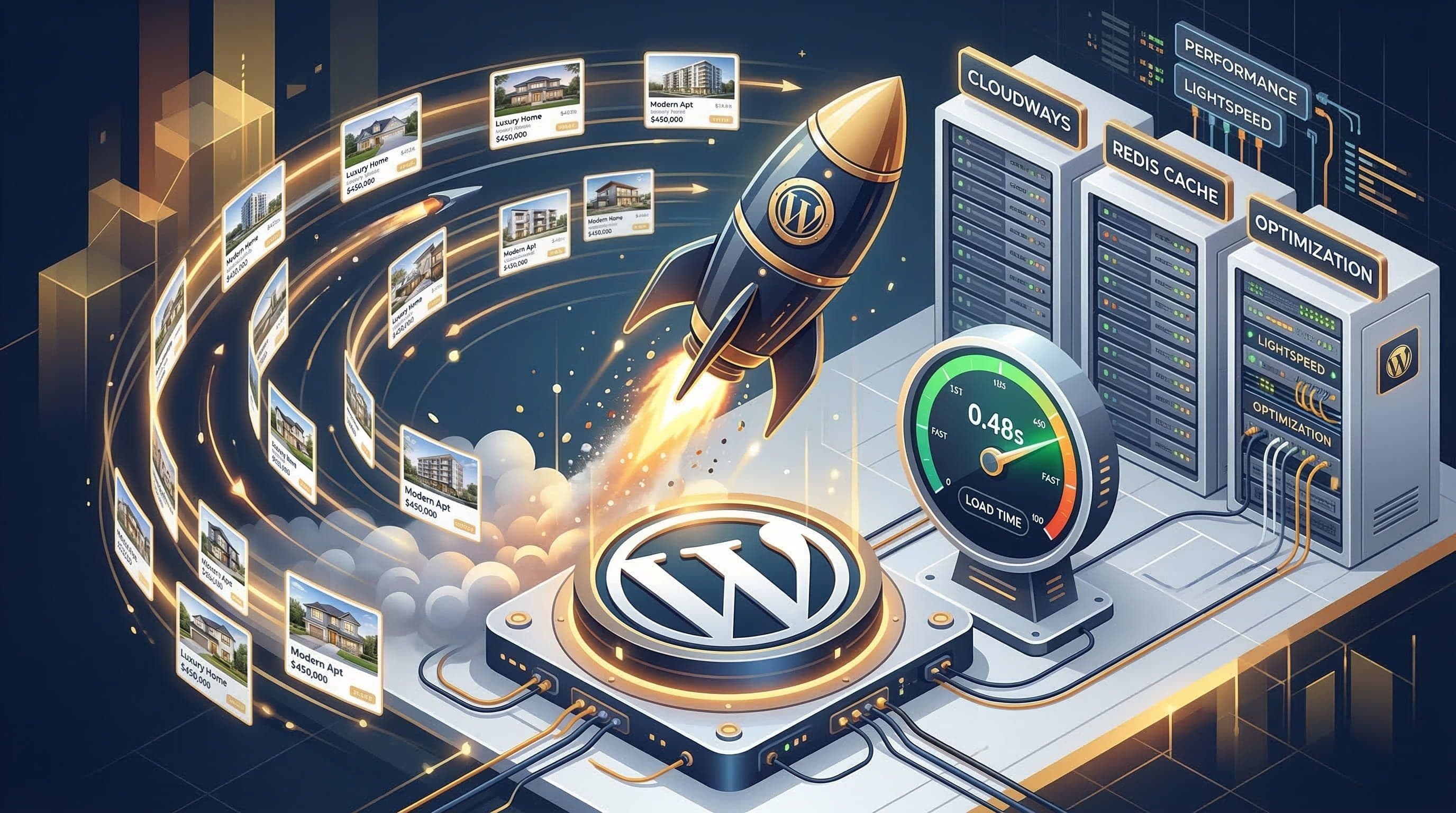
What to do: Select a managed WordPress hosting provider that offers server-side caching, PHP 8.1 or above, and data centres close to your primary market. For Dubai and the GCC, that means a host with servers in Europe or the UAE. Cloudways, Kinsta, and WP Engine are the providers used on real client projects.
Why it matters: Shared hosting on a budget plan will load your site in 4 to 6 seconds. Google's threshold for mobile abandonment is 3 seconds. You are paying for traffic that leaves before your site finishes loading.
Pro Insight
On every real estate client project, the first thing I check is whether the host supports object caching with Redis. WordPress with an IDX plugin generates heavy database queries on every page load. Redis caches those queries so repeat visitors and search engine bots get instant responses. Without it, your server is doing the same work thousands of times a day.
Step 2: Install and Configure SSL Correctly
What to do: SSL should be activated through your hosting dashboard and forced across the entire site. Install the Really Simple SSL plugin to handle redirects, then verify in Google Search Console that all pages are indexed under HTTPS, not HTTP.
Why it matters: Chrome and Safari display a 'Not Secure' warning on any page with a form that does not have SSL active. A lead capture form on a listing page without SSL is invisible. Buyers who see that warning do not fill in the form and do not call.
Pro Insight
A common mistake is activating SSL on the homepage but missing redirect rules for subpages and the contact form. Check every form URL individually. I use a mixed-content scanner on every site before launch to confirm there are no insecure page elements overriding the SSL certificate.
Step 3: Select a Lightweight Theme with Property Gallery Support
What to do: Choose a theme with a Core Web Vitals score above 90 on Google PageSpeed Insights out of the box, before any content is added. For luxury real estate, Blocksy, Kadence, or a custom Elementor build with a minimal base theme are the configurations that deliver both speed and visual quality.
Why it matters: Heavy themes like Divi come loaded with JavaScript and CSS that fires on every page, even pages that do not use those features. In a luxury market, every loading millisecond competes with the visual impression your property photography needs to make. Slow and beautiful is worse than fast and clean.
Pro Insight
When I evaluate a theme for a real estate client, I load a demo with 20 property images on a mobile device on a simulated 4G connection. If it hesitates, it is not the right theme. The property gallery experience on mobile is where listings are won or lost.
Most business owners I work with prefer having this fully set up for them so they can focus on running their business, not configuring WordPress.
Step 4: Install and Configure Your IDX Plugin
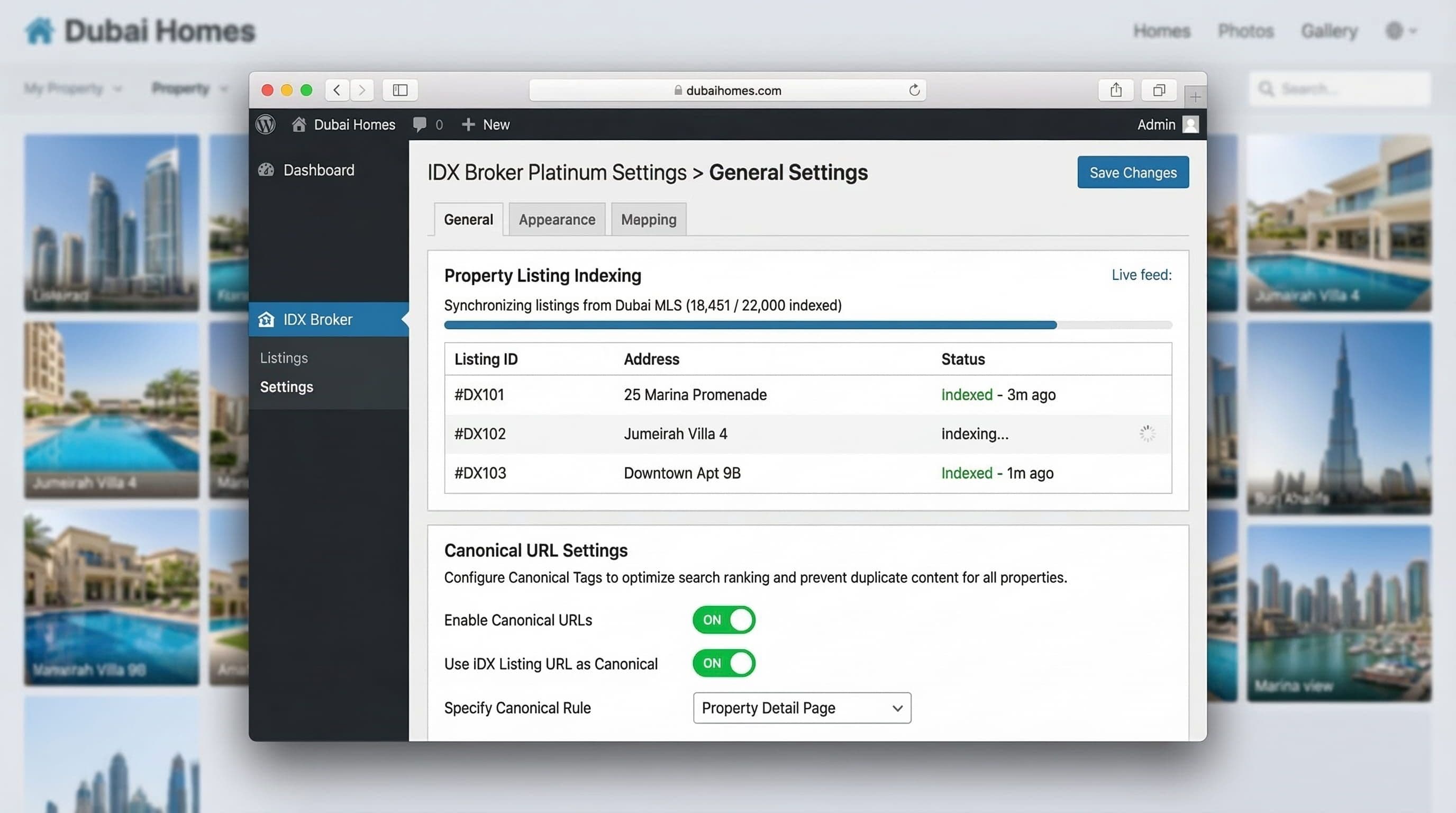
What to do: The two most-used IDX plugins for WordPress are IDX Broker and Showcase IDX. After installing, connect your MLS credentials, set up property search pages using the plugin's shortcodes, and configure canonical URLs to prevent duplicate content from appearing in Google's index.
Why it matters: An IDX plugin without canonical tags will generate thousands of listing pages. Google indexes all of them, splits your domain authority across thousands of thin pages, and ranks none of them. The canonical configuration tells Google which version of each page to index.
Pro Insight
Every IDX setup I do includes a disallow rule in robots.txt for the raw listing archive URLs generated by the plugin, and canonical tags pointing to the clean property page URLs. Without this, I have seen real estate sites with 8,000 indexed pages and zero page-one rankings. The fix takes 20 minutes but most tutorials do not mention it at all.
Step 5: Optimise Image Delivery for Property Galleries
What to do: Install ShortPixel or Imagify to compress all uploaded images automatically. Serve images in WebP format, which is 30 to 40 percent smaller than JPEG with no visible quality difference. Enable lazy loading so images below the fold do not load until the buyer scrolls to them.
Why it matters: A property listing with 35 images, unoptimised, can be 40 to 60 megabytes of data on a single page. A buyer on mobile in a cafe will not wait. The same page, optimised, should be under 3 megabytes. That is the difference between a buyer who sees the floor plan and a buyer who bounces.
Pro Insight
I use a CDN (Content Delivery Network) on every real estate site I build. This serves images from a server close to the buyer's location rather than your hosting server. For a Dubai-based agent with international buyers, this single step can reduce image load times by 60 percent for someone browsing from London or Mumbai.
Step 6: Set Up Lead Capture and WhatsApp Integration
What to do: Install WPForms or Gravity Forms for contact and enquiry forms. Configure forms to notify via email and, for the GCC market, integrate a click-to-WhatsApp button on every listing page. Use a pre-filled message format so buyers can enquire about a specific property with one tap.
Why it matters: Long contact forms with ten fields lose leads. In the Dubai and GCC market, buyers prefer WhatsApp over email for initial contact. A sticky WhatsApp button that appears on scroll, with a pre-filled message referencing the property the buyer is viewing, reduces friction to zero. That friction reduction translates directly into enquiry volume.
Pro Insight
The pre-filled WhatsApp message format I use on client sites is: 'Hi, I am interested in [property name] (Ref: [ID]). Can I get more details?' This gets sent the moment a buyer taps the button. The agent receives the enquiry with the specific property reference immediately. No back-and-forth required.
Step 7: Configure SEO Structure for Property Pages
What to do: Install Rank Math or Yoast SEO. Set the SEO title format for property pages to include location, property type, and a differentiator. Create an XML sitemap and submit it to Google Search Console. Set up schema markup for real estate listings so Google can display property details directly in search results.
Why it matters: A luxury property listing page that is not optimised for search is only visible to buyers who already have your website address. Properly configured SEO on listing pages generates organic search traffic from buyers searching for property in your specific area, price range, and property type.
Pro Insight
Schema markup for real estate is underused. When configured correctly, Google can display the price, location, and property type directly in the search result. That means your listing gets more information in the search result than a competitor without schema, which increases click-through rate from the same ranking position.
Common Mistakes That Cost Real Estate Agents Leads and Listings
These are the errors I see most consistently on real estate websites. Each one has a measurable business cost.
Installing too many plugins. Every plugin adds HTTP requests to every page load. A site with 30 active plugins will be slow regardless of the hosting or theme. Real estate sites need 8 to 12 carefully chosen plugins, not 30.
Not testing on mobile before launch. Desktop preview looks different from a phone browsing on 4G. Property image galleries that look clean on a 27-inch monitor often overlap, mis-scale, or cut off on a 375-pixel phone screen.
Using the default WordPress login URL. wp-admin is the first thing bots probe. Changing the login URL and limiting login attempts is basic security that most template setups skip.
No backup system. A plugin update that breaks an IDX feed at 9pm before a listing presentation is not hypothetical. It has happened to agents I have worked with. Daily automated backups take 10 minutes to configure and take hours of panic off the table.
Ignoring Core Web Vitals after launch. Google updates its performance scoring regularly. A site that scored 90 at launch can drop to 65 after three plugin updates. Checking performance monthly keeps rankings stable.
The Exact Setup I Use on Real Estate Client Websites
For every WordPress real estate project, the configuration is consistent. This is not theoretical. It is what gets built on every client project.
Hosting: Cloudways on DigitalOcean with Redis object caching enabled.
Theme: Blocksy Pro or Kadence Pro, configured with a minimal child theme to prevent update conflicts.
Page builder: Elementor Pro for custom property listing templates and home page layouts.
IDX: IDX Broker or Showcase IDX, with canonical tags and robots.txt configured on setup day.
Image optimisation: ShortPixel for automatic WebP conversion and compression, plus Cloudflare CDN for global delivery.
Security: Wordfence for firewall and malware scanning, WPS Hide Login for login URL obfuscation.
SEO: Rank Math Pro with real estate schema markup configured for every listing page template.
Lead capture: WPForms connected to email and a sticky WhatsApp button with pre-filled property reference messages.
Backups: UpdraftPlus with daily backups stored to external cloud storage, separate from the hosting account.
This stack is not the most expensive option. It is the most effective configuration for a real estate site that needs to load fast, rank on Google, and convert mobile visitors into enquiries.
Don't Have Time to Deal With This?
This guide covers every step correctly. But reading it and implementing it are two different things. The IDX canonical configuration alone takes experience to get right the first time. The image delivery setup requires testing across multiple devices and connection speeds. The WhatsApp integration requires knowing which pre-filled message format generates responses.
The agents who convert more listings are not the ones who become WordPress experts. They are the ones who have a fast, secure, optimised site already running while their competitors are still watching tutorials.
The $449 WordPress Website Package delivers a fully configured, real estate-ready WordPress site in 14 days. One payment. No monthly fees. No agency overhead. You get the same technical foundation described in this guide, built and tested by someone who does this for real estate clients weekly.
It is the right option for agents who value their time over DIY, want a site that works correctly from day one, and do not want to troubleshoot plugin conflicts at 9pm before a listing appointment.
View the $449 WordPress Website Package
About the Author
Sheikh Hassaan — WordPress Developer for Small Businesses I help service businesses launch fast, secure, conversion-focused WordPress websites without the agency price tag. Every site I build is configured to the same standard: optimised for mobile performance, structured for search, and set up to generate real enquiries from day one. If you work directly with me, you work with the person who writes the code.
Related Articles
- The Best WordPress Theme for Luxury Real Estate Websites (2026 Honest Comparison)
- 7 Signs Your WordPress Website Has Been Hacked
- WordPress Security for Small Business Websites: A Complete Guide (2026)
Frequently Asked Questions
What is the best WordPress setup for a real estate website?
The best WordPress setup for real estate combines a lightweight theme, an IDX plugin with canonical URL configuration, image optimisation with WebP delivery, and a lead capture system connected to WhatsApp. Managed hosting with object caching keeps the site fast under the load that property image galleries generate.
Do I need an IDX plugin for my real estate website?
Yes, if you want your site to rank for property search queries. IDX integration pulls live MLS listings into your site and generates indexed pages for each property. Without it, buyers searching for properties in your area will find competitor sites that have IDX set up, not yours.
How long does it take to set up WordPress for a real estate website?
A correctly configured real estate WordPress site takes 3 to 5 days to set up if you know what you are doing. The IDX configuration, image optimisation pipeline, security setup, and SEO structure each require testing after setup. Rushing any of these steps creates problems that take longer to fix than to do correctly the first time.
Why is my real estate WordPress site so slow?
The most common causes are unoptimised property images, a heavy theme with unused features loading on every page, too many plugins, and a hosting plan without server-side caching. Real estate sites are image-heavy by nature. Without a deliberate performance setup, they will be slow regardless of the theme or hosting provider.
Is WordPress good for luxury real estate websites?
WordPress is the right platform for luxury real estate when configured correctly. It supports IDX integration, handles large property image galleries, and gives you full control over SEO structure. The risk is in the configuration. A poorly set-up WordPress site will underperform a well-configured competitor on any platform.